

Azure Cosmos DB
The Cosmos DB data source connector allows you to fetch data from the NoSQL Azure Cosmos DB (opens in a new tab) using the SQL API (opens in a new tab). If your CosmosDB instance uses the MongoDB API (opens in a new tab), you should use the MongoDB data source connector instead.
Configuration
Section titled “Configuration”Create a new configuration of the CosmosDB data source connector.
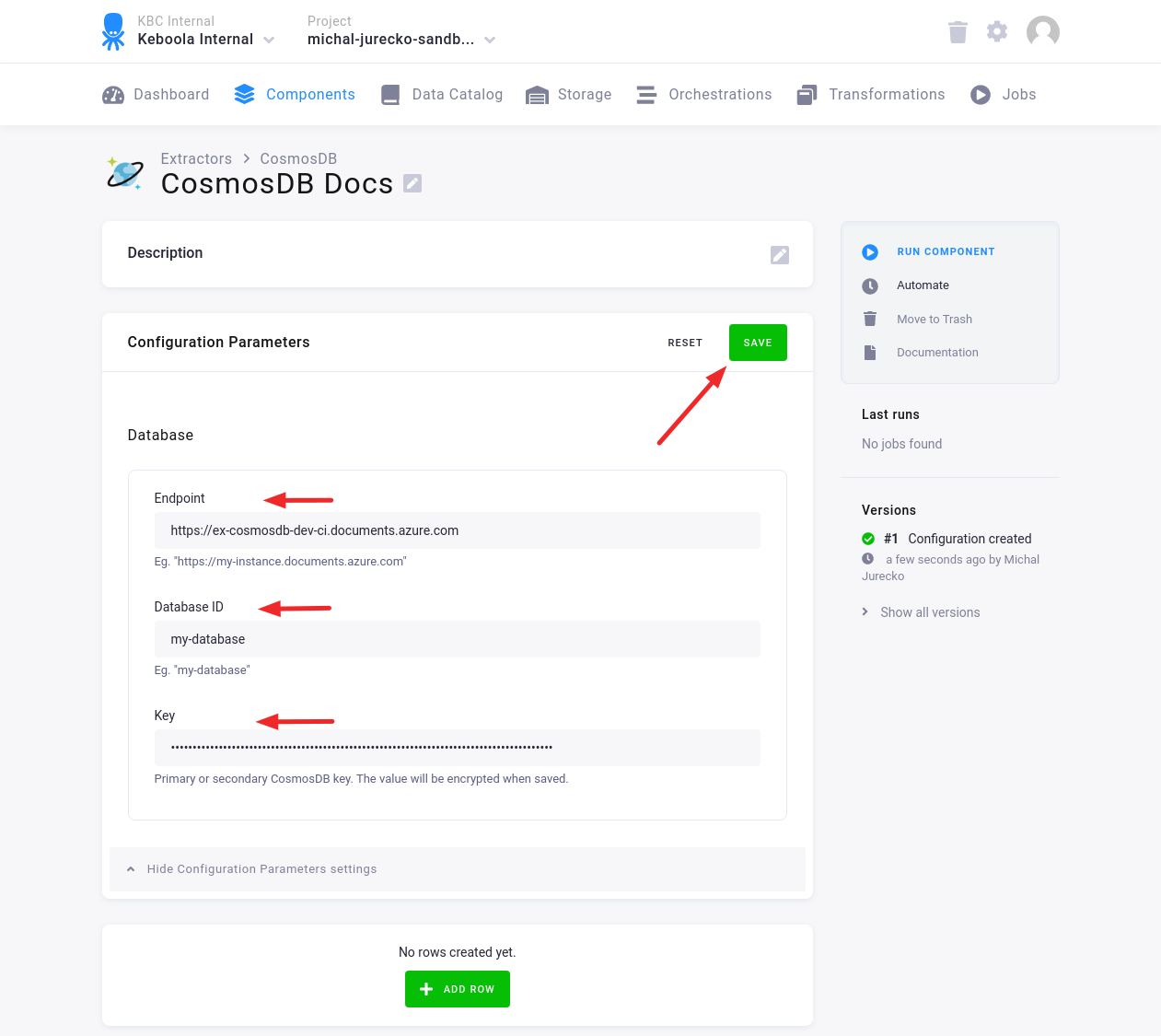
Fill in the Endpoint, Database ID and Key. Then click Save.
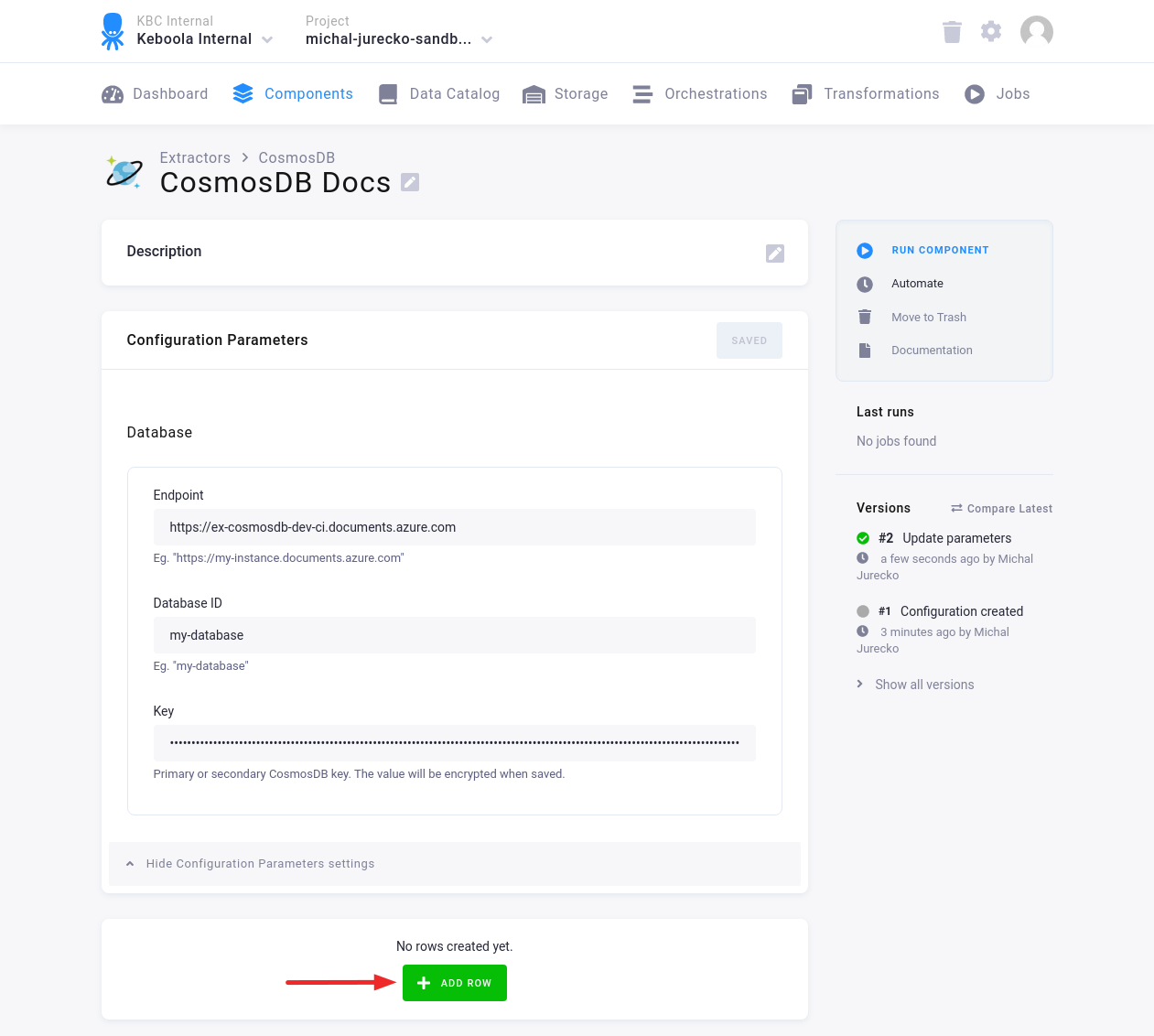
Click Add Row to add one or more Configuration Rows.
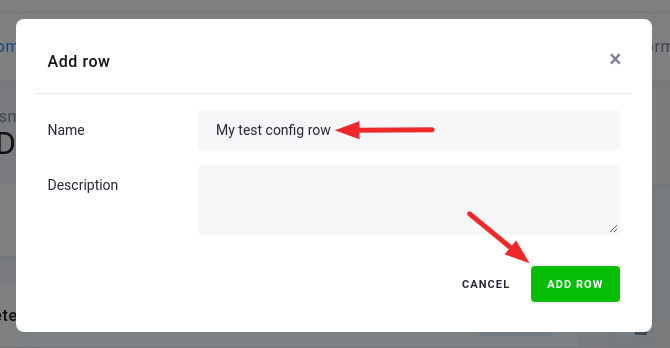
Fill in the name, and optionally the description. Then click Add Row.
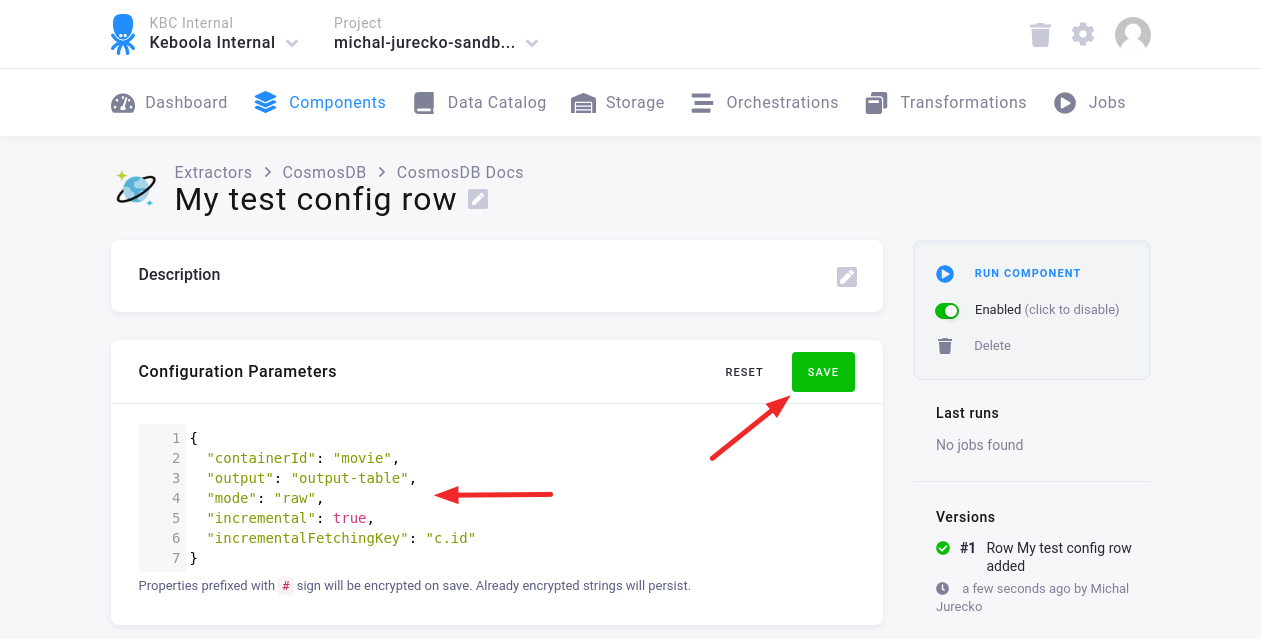
In the Configuration Row, fill in the Configuration Parameters. Then click Save.
Configuration Parameters
Section titled “Configuration Parameters”containerId: string (required); the ID of the Cosmos DB containeroutput: string (required); the name of the output table in your bucketincremental: boolean (optional); enables incremental loading; the default isfalseincrementalFetchingKey: string (optional); the name of the key for incremental fetching, e.g.,c.idmode: enum (optional)mapping(default) — items are exported using specifiedmappingraw- items are exported as plain JSON strings; the table will containidanddatacolumns
mapping: string; required formode=mapping- It is used to map the CosmosDB JSON item to one or more tables.
- The same format is used as in the MongoDB - configure-mapping.
- See examples in the MongoDB - Mapping Examples.
- For the details see the keboola/php-csvmap (opens in a new tab) library.
maxTries: integer (optional); the max number of tries if an error occurs; the default is5ignoredKeys: array (optional)- CosmosDB automatically adds some metadata keys when the item is inserted.
- By default, the following keys are ignored:
["_rid", "_self", "_etag", "_attachments", "_ts"]
By default, the connector exports all documents using the generated SQL query.
The default query is SELECT * FROM c. The query can be modified with the following parameters:
select: string (optional), e.g.,c.name, c.date; the default is*; read more (opens in a new tab)- For
rawmode theidfield must be present in the query results.
- For
from: string (optional), e.g.,Families f; the default isc; read more (opens in a new tab)sort: string (optional), e.g.,c.date; read more (opens in a new tab)limit: integer (optional), e.g.,500; read more (opens in a new tab)
Or you can set a custom query using the following parameter:
query: string (optional), e.g.,SELECT f.name FROM Families f
Examples
Section titled “Examples”Raw mode — full load:
{ "containerId": "my-container", "output": "my-table", "mode": "raw"}Mapping mode — full load:
{ "containerId": "my-container", "output": "my-table", "mode": "mapping", "mapping": { "id": { "type": "column", "mapping": { "destination": "id", "primaryKey": true } }, "business_name": "name", "result": "result", "address": { "type": "table", "destination": "city", "tableMapping": { "city": "name" } } }}Raw mode — incremental load:
{ "containerId": "my-container", "output": "my-table", "mode": "raw", "incremental": true, "incrementalFetchingKey": "c.id"}Raw mode — custom query:
{ "containerId": "my-container", "output": "my-table", "mode": "raw", "query": "SELECT f.name FROM Families f"}